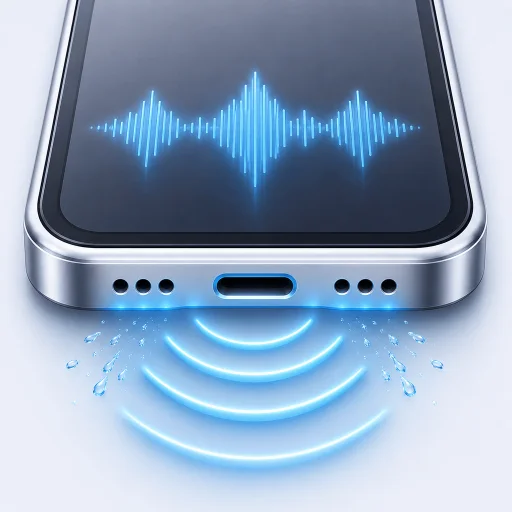
Water eject will not start
Disconnect headphones, Bluetooth and AirPlay. Switch back to the iPhone speaker, raise the volume and try again.
Most questions have a short answer. If yours does not, email the person who built the app.
Email supportDisconnect headphones, Bluetooth and AirPlay. Switch back to the iPhone speaker, raise the volume and try again.
Stop repeated tones if there is no improvement. Leave the phone in dry airflow and check the safety guide in the app. Persistent distortion may need service.
Open RippleOut, go to Settings and tap Restore Purchase. Use the same Apple Account that made the original purchase.
Speaker tones do not dry the connector. Unplug the cable and follow Apple's liquid-detection guidance.
Your iPhone model, iOS version, RippleOut version and a short description of what happened. Please do not send passwords, payment details or sensitive personal information.