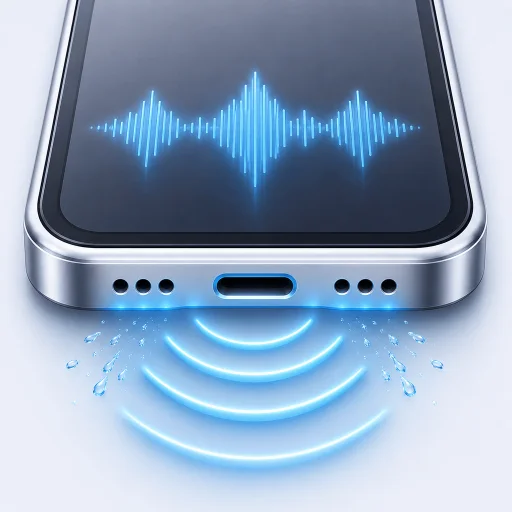
iPhone speaker cleaner.
Water eject. Sound test.
Water in your iPhone speaker? RippleOut’s free water eject cycle uses a guided 45-second tone to help move nearby droplets. Check the result with a basic speaker test. Works offline, with no subscription.
Find RippleOut on the App Store as Water Eject Speaker Cleaner!
- 45 sec
- guided cycle
- Free
- core tools
- Offline
- no account needed
For plain water near speaker openings. Not for a wet charging port.
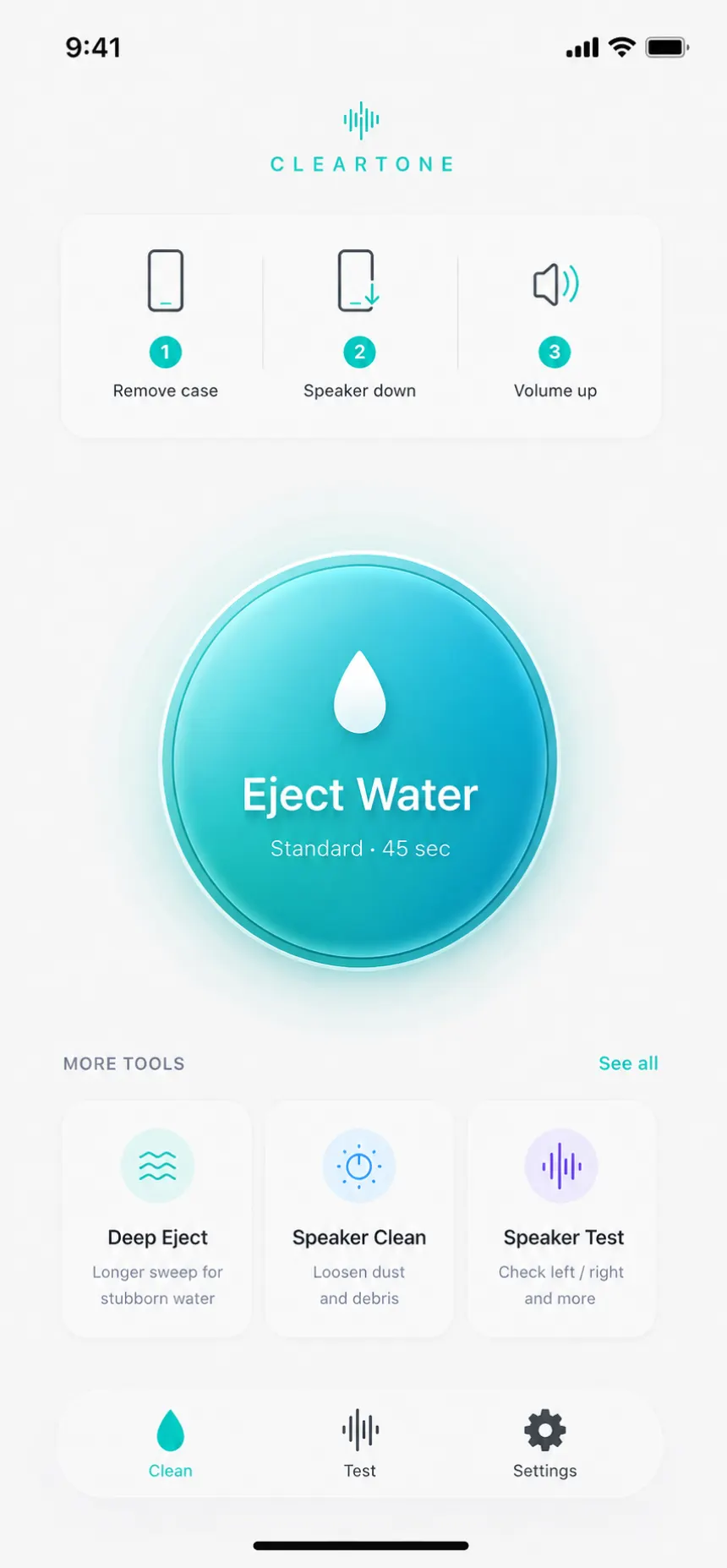
One short process. No guessing.
Start with the phone in the right position. Run one cycle, then listen before you decide what to do next.
- 1
Point the speaker down
Remove the case, disconnect Bluetooth or headphones and raise the volume.
- 2
Run the 45-second cycle
RippleOut plays a guided low-frequency pattern through the iPhone speaker.
- 3
Test before repeating
Compare the sound. If it is not clearer after a few attempts, stop and let the phone dry.
Free water eject and speaker test tools.
Standard Water Eject and Basic Speaker Test are not trial features. The audio tools work offline without an account or subscription.
- Standard Water EjectGuided 45-second cycle
- Basic Speaker TestCompare clarity before and after
Water eject and speaker cleaner guides
Water eject for iPhone speaker: safe first steps
What to do now, what not to do and when sound can help.
Read guide TroubleshootingWhy your iPhone speaker sounds muffled
Moisture is one cause. Dust, routing and hardware trouble are others.
Read guide Buying guideSpeaker cleaner app without a subscription
A practical look at what these apps do and what is worth paying for.
Read guide Speaker careHow to clean an iPhone speaker: brush or sound?
Safe steps for external dust and debris, and why a water eject tone cannot replace physical cleaning.
Read guide TroubleshootingiPhone speaker crackling? Narrow down the cause
Compare apps, volume and recent moisture before trying another tone.
Read guide Water ejectWater eject shortcut or an iPhone app?
Understand Siri shortcuts, playback routing and the limits of both options.
Read guideBefore you press play
The important limits, price and privacy details in one screen.
Can sound remove water from an iPhone speaker?
Low-frequency sound can help move droplets near speaker openings. It will not dry a charging port or repair damaged hardware.
Does RippleOut work offline?
Yes. The app generates tones and runs its speaker tests on your iPhone. No account or internet connection is needed.
Is RippleOut a subscription?
No. Standard Water Eject and Basic Speaker Test are free. Pro is an optional one-time purchase.