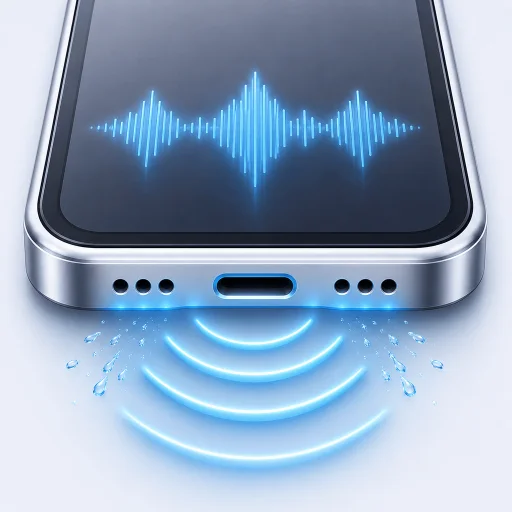
Water eject for iPhone speaker: safe first steps
Water in your iPhone speaker? Start with dry airflow, then learn when a short water eject sound may help and when to stop or seek service.
If water has reached your iPhone speaker, start by removing the case and unplugging every cable. Hold the phone with its openings facing down, tap it gently against your hand and leave it somewhere dry with airflow. Do not use heat, compressed air or rice.
Take care of those steps first. A water eject tone is an optional next step for plain-water droplets near the speaker opening. It cannot tell you whether the phone is dry inside.
What to do right now
- Disconnect the charging cable and any wired accessory.
- Remove the case if it traps moisture around the openings.
- Point the speaker and connector down.
- Gently tap the phone against your hand to encourage excess liquid to leave.
- Leave the phone in a dry place with natural airflow.
Apple says a wet connector can take up to 24 hours to dry fully. Its guidance also says not to use an external heat source, compressed air or a foreign object inside the port. You can read the full Apple liquid-detection guidance and our charging-port alert guide. Apple’s general water-exposure guidance also says to wait at least five hours before wired charging after liquid exposure and not to charge until completely dry.
When a water eject or speaker cleaner tone can help
Low-frequency sound moves the speaker diaphragm back and forth. That motion may help push small droplets away from the speaker opening. It is most relevant when the phone was exposed to plain water and the sound became muffled soon afterward.
Use the iPhone speaker, not headphones or Bluetooth. Point the openings down, start at a sensible volume and run one guided cycle. Listen again before deciding whether to repeat it.
RippleOut’s standard cycle lasts 45 seconds. It is free and runs offline. The app also includes a basic sound test so you can compare the result instead of guessing.
If you are comparing tools, read about water eject shortcuts on iPhone and water eject sound frequency. Neither a shortcut nor a specific frequency guarantees that the phone is dry.
What sound cannot fix
A tone cannot dry a USB-C or Lightning connector. It cannot remove sugar from soda, salt from seawater or residue from juice. It also cannot repair corrosion, a torn speaker or another damaged part.
If the liquid was sticky or salty, stop using speaker tones and arrange proper cleaning or service. If the phone shows a charging-port liquid warning, follow that warning even if the speaker already sounds normal.
What not to do
Skip the rice. Small particles can get inside the connector. Do not put a cotton swab, tissue or pin into an opening. Avoid a hair dryer and do not blast the phone with compressed air. These shortcuts can push moisture deeper or create new damage.
Avoid running tones over and over. If two or three attempts make no clear difference, time and dry airflow are more useful than another cycle.
When to get help
Get professional service if the phone will not charge after it has dried, sound remains badly distorted, the liquid was sticky or salty or the device shows other damage. A hot phone, swelling or an unusual smell is a reason to stop using it and seek help promptly.
For a simple plain-water splash, patience often matters as much as the tone. Keep the openings down, let the phone dry and use the sound test once the speaker has had time to recover.