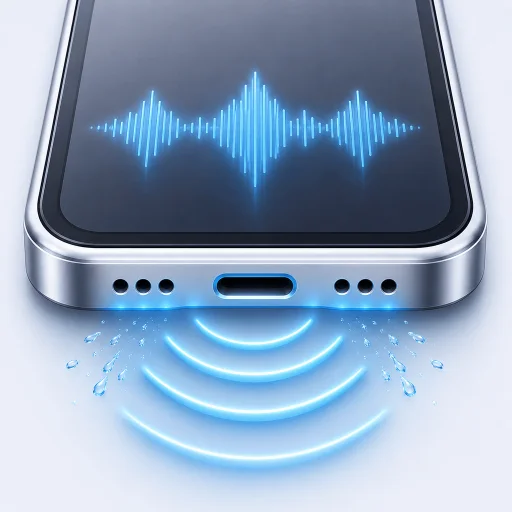
Why your iPhone speaker sounds muffled
Moisture is one cause of muffled iPhone sound. A blocked opening, audio routing, a case or hardware trouble can sound similar.
A muffled iPhone speaker is not always a wet speaker. Moisture is likely when the change followed rain, a spill or a humid shower. If it appeared gradually, debris, a case or hardware wear may be the better explanation.
Start with the timing. It narrows the problem faster than trying random frequencies.
1. Check where the sound is going
Turn off Bluetooth and disconnect headphones or adapters. Open Control Center and make sure audio is playing through the iPhone. An unexpected AirPlay route can make the built-in speaker seem quiet when it is not being used at all.
Try more than one source. Play a familiar song, move the Ringtone and Alerts slider in Settings and make a speakerphone call. A problem in one app is different from a problem across the whole phone.
2. Remove anything covering the opening
Take off the case and any film that sits near the receiver. Look at the speaker openings under good light. Do not poke inside them.
Apple recommends a small, clean and dry soft-bristled brush when a speaker or receiver opening needs cleaning. Its speaker troubleshooting guide also suggests checking Silent mode, Focus and the Ringtone and Alerts slider before arranging service.
3. Think about recent moisture
Rain, a sink splash or a wet pocket can leave droplets close to the speaker membrane. The result may be quiet, distorted or crackling sound.
Disconnect cables, point the openings down and leave the phone in dry airflow. If the liquid was plain water, one guided water eject cycle may help move droplets near the speaker. Listen again after the cycle. If the sound becomes worse, stop.
A speaker tone does not clear a charging-port warning. The connector needs time to dry on its own.
4. Compare before and after
Use the same short recording at the same volume before and after cleaning. It is easier to hear a change when the comparison stays consistent. RippleOut’s basic sound test is made for this comparison and works without recording you.
If one side of a stereo test sounds different, remember that left and right audio channels do not map neatly to the physical top and bottom speakers on every iPhone. Use the test to spot a change, not to diagnose a specific component.
5. Know when to stop troubleshooting
Service makes sense when sound remains distorted after the phone has dried, the speaker button is dimmed, the device will not charge or the problem followed a hard impact. Sticky liquid and seawater also deserve more caution because residue remains after the water evaporates.
Remove anything blocking the opening, allow time for drying and compare the sound again. If the result is still poor, a qualified repair is more useful than louder tones.
More help for your symptoms
- After a splash: safe steps for water in an iPhone speaker.
- Visible dry debris: how to clean an iPhone speaker safely.
- Distortion rather than low volume: iPhone speaker crackling checks.
- Trouble only during calls: call audio routing and receiver checks.